Featured
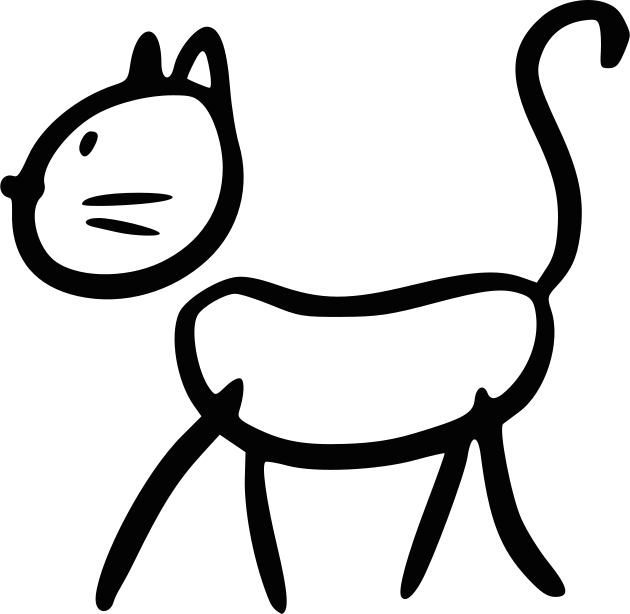
Cat
Open as light table
Save CatFor iPhone and iPad
A light table for tracing on paper.
Pick a template or a photo, put a sheet on the screen, and tap Lock. The picture stays still while you trace.
Free. No account. Pictures stay on the phone.
A light table for tracing on paper.
Try it. Open Templates in the phone.
This is how the line shows through. Drag the sheet aside, or tap it.
Drag the sheet aside
Open as light table01
Turn the phone the way you want, then tap Lock. The picture stays still, and the screen stays in that orientation.
Pick a template, a photo from your library, or take a picture. Place a sheet on the screen, then tap Lock.
Press + or − two times on the side of the phone to open. You can also hold a corner. That works with paper still on the glass.
PaperTrace remembers your last pictures. Save a drawing to keep it in History.
In Settings, turn on Guided Access and turn Touch off. That stops the screen from reacting at all.
02
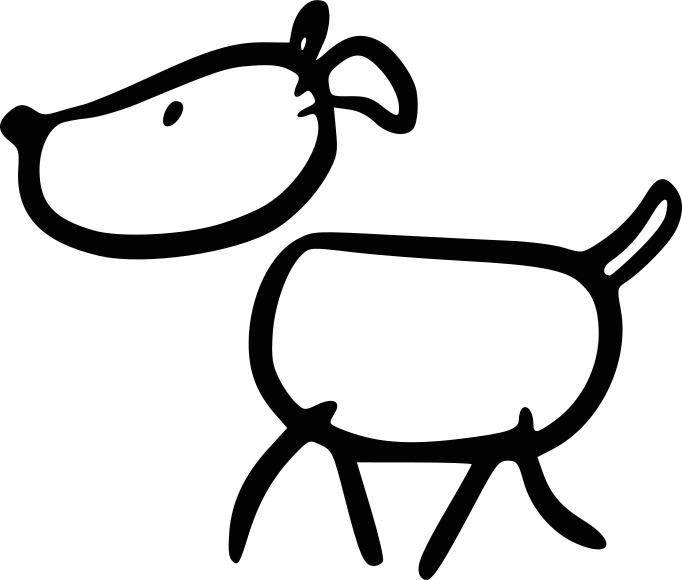
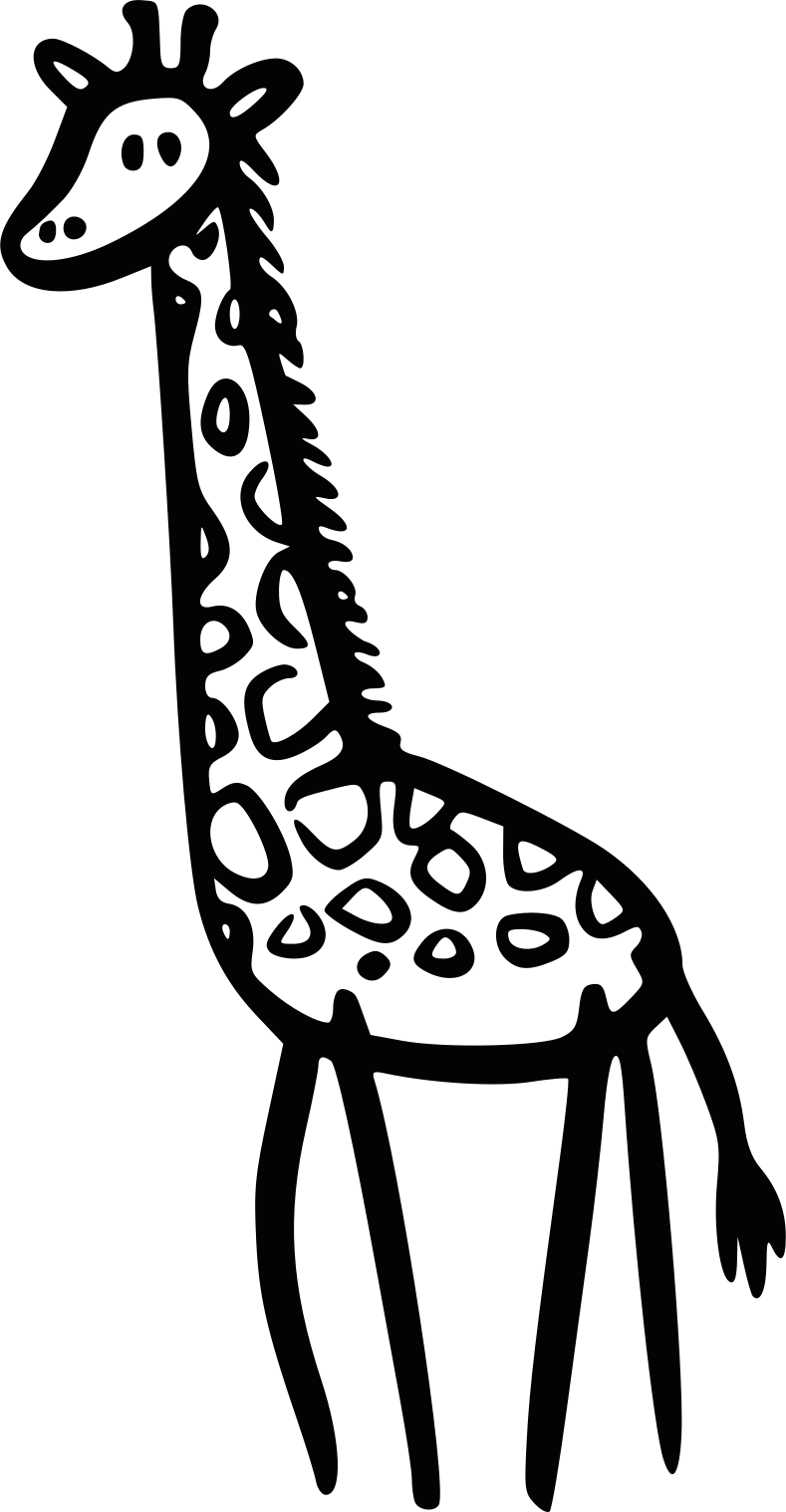
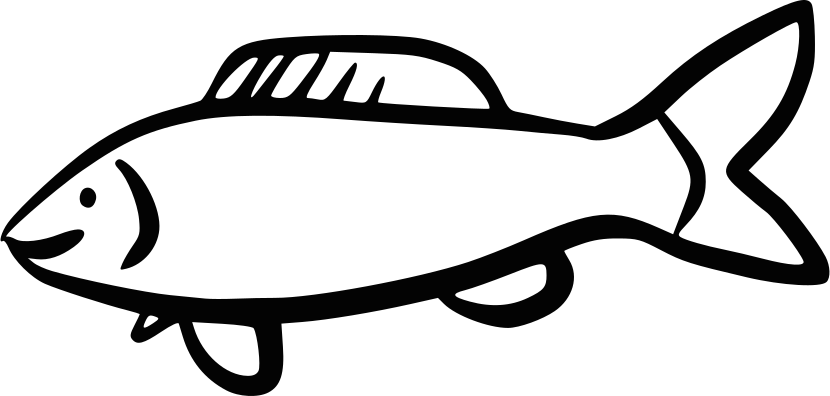
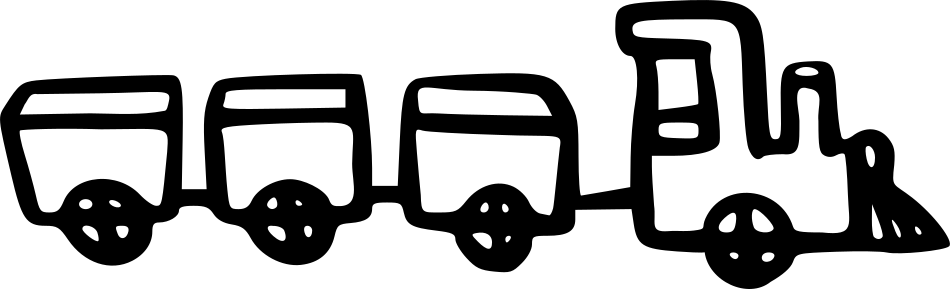
The same templates as in the app. Thick stroke, ready for pencil. Save a picture here, then bring it in with Choose photo.
All drawings as a light tablePrint all drawings
Featured
Cat
Open as light table
Save Cat03
PaperTrace is for the one who draws, and for the one who looks after them.
The picture does not move, and the screen stays in that orientation. Press + or − twice to open, or hold a corner.
In iOS Settings, turn on Guided Access and turn Touch off. That stops the screen from reacting at all.
No cloud, no ads. Pictures stay on the device. We do not see them.
iPad is the real light table. iPhone is the one on the sofa.
No account, no cloud. What is in the app is what you need to trace.
Twenty simple line drawings: animals, vehicles, nature, fantasy, and fun. Ready to trace in pencil.
Choose from the photo library or photograph a drawing you want to trace.
The picture does not move while kids draw. Rotation stays put. Press + or − twice to open, or hold a corner.
A blank white screen at full brightness when you only need the light.
Recent pictures stay ready. Save the ones you want to come back to.
The templates in the app are a start. These sites have more, free to use. We do not wrap their catalogs in the app. We open the official page.
PaperTrace is free. No account, no cloud. Pictures stay on the phone. You can still save the drawings above, print them, or open them as a light table here.